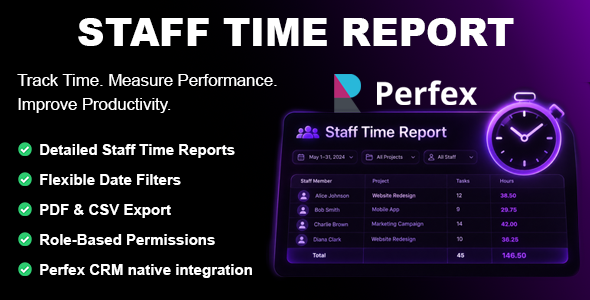
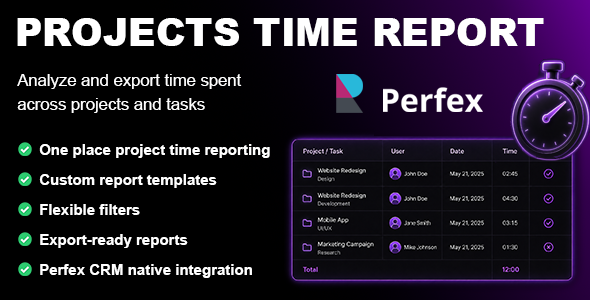
Description
Projects Time Report Module
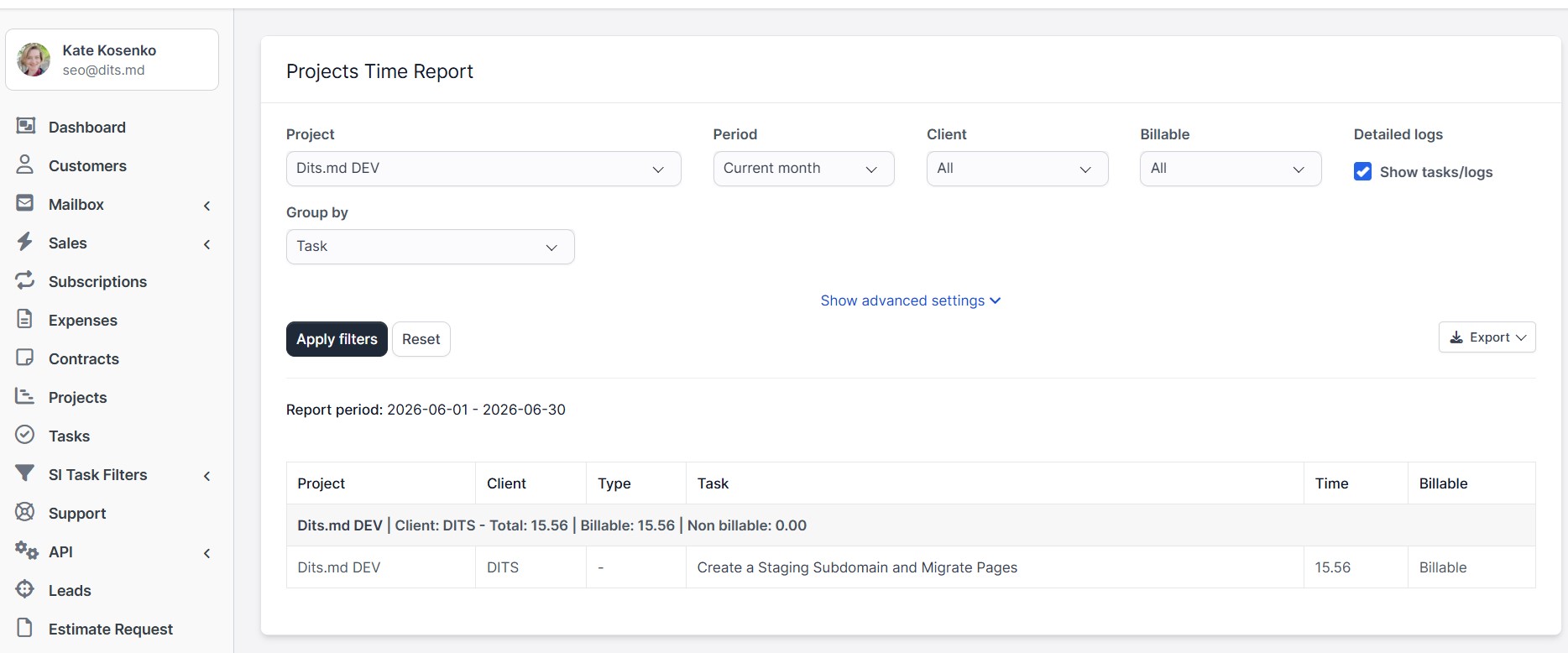
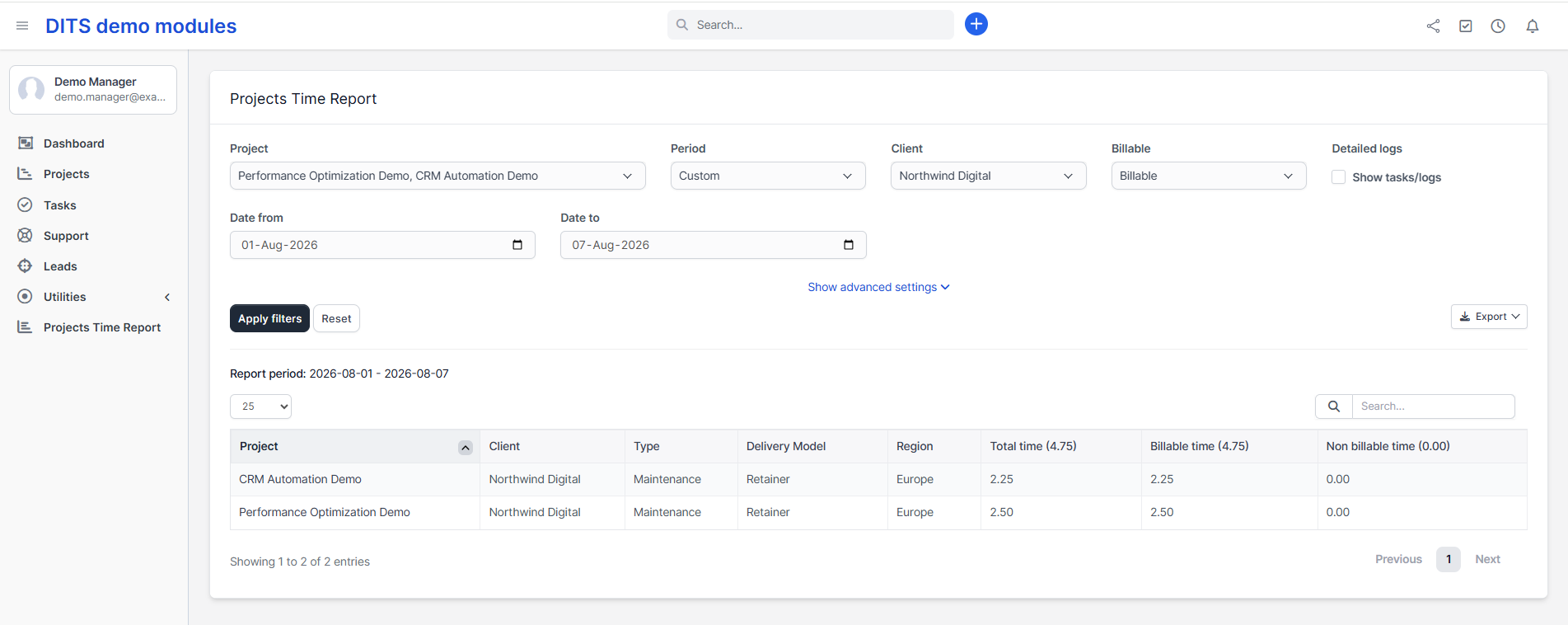
Standard time tracking across tasks often makes it difficult to calculate true project hours and team utilization. This module fixes that by introducing a dedicated reporting page directly inside Perfex CRM, allowing you to slice time data by projects, clients, or employees and export presentation-ready reports in seconds.
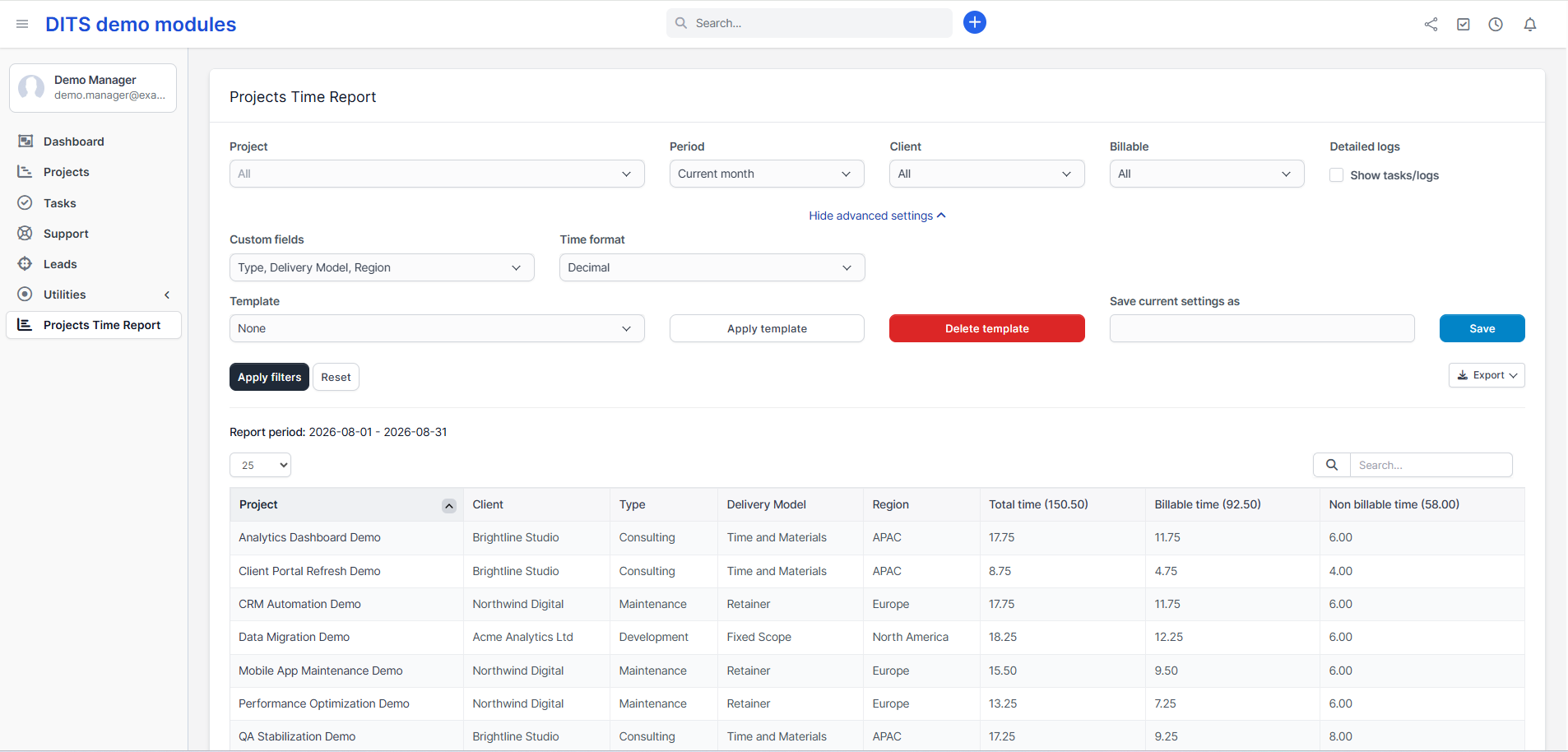
Want to see how it works in practice? Explore the interactive Perfex CRM Live Demo to test all features.
Demo credentials are pre-filled automatically – simply click the Login button to get started.
Main Features
- Project time reporting by project, client, staff, task, period, and billable status
- Custom report templates for saving preferred filters, columns, grouping, and time format
- Flexible date filters including current month, last month, and custom date ranges
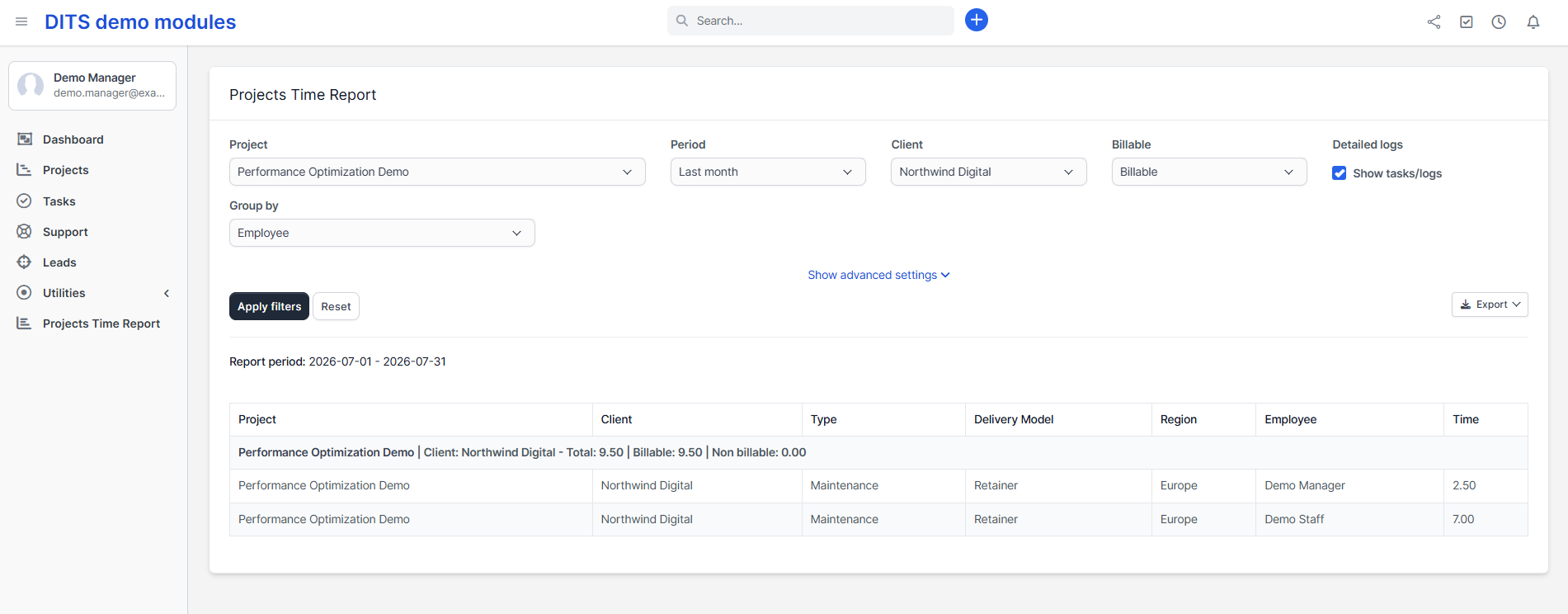
- Grouped report views for project, staff, and task-based analysis
- PDF, CSV, and print export options
- Project custom fields support in report columns
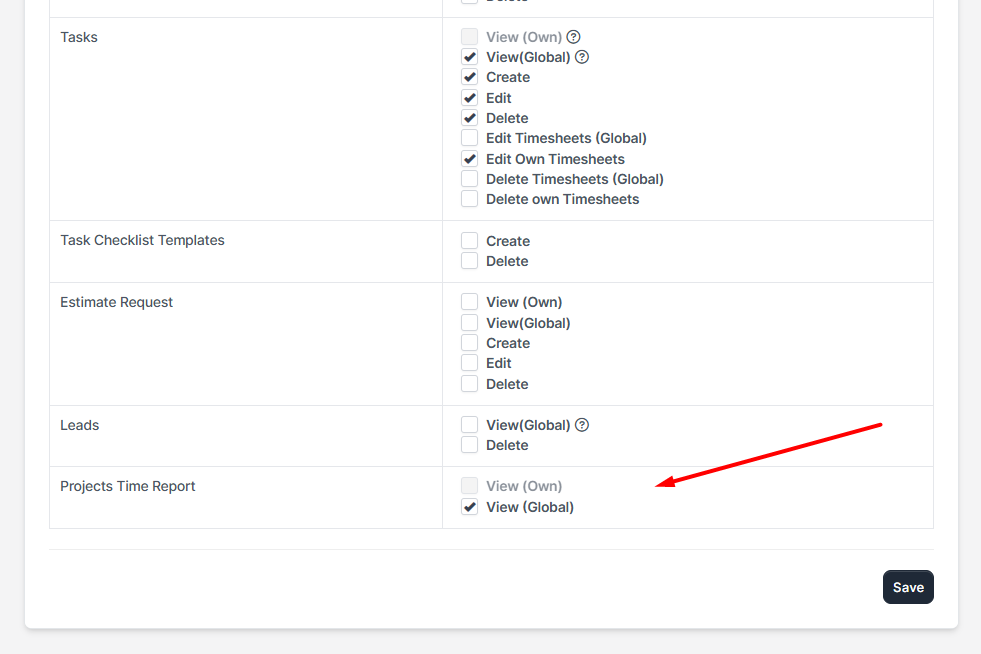
- Perfex CRM native permissions and admin interface integration
Use Cases
- Review project time spent by staff members
- Analyze billable and non-billable project work
- Prepare client-facing or internal time reports
- Export project time data for accounting or management review
- Compatibility: Perfex CRM 3.0.0 or newer. Tested with Perfex CRM 3.4.1.
Get More from Your Perfex CRM Time Tracking
Make project time tracking easier to analyze and turn recorded hours into clear, actionable reports. With the Projects Time Report Module for Perfex CRM, you can quickly filter, group, save, and export project time data exactly the way your team needs.
Improve project visibility, simplify reporting, and save time on manual data analysis. Get the Projects Time Report Module for Perfex CRM today.